
How CalorAI works
Set up in a minute, then log every meal with one photo.
 1
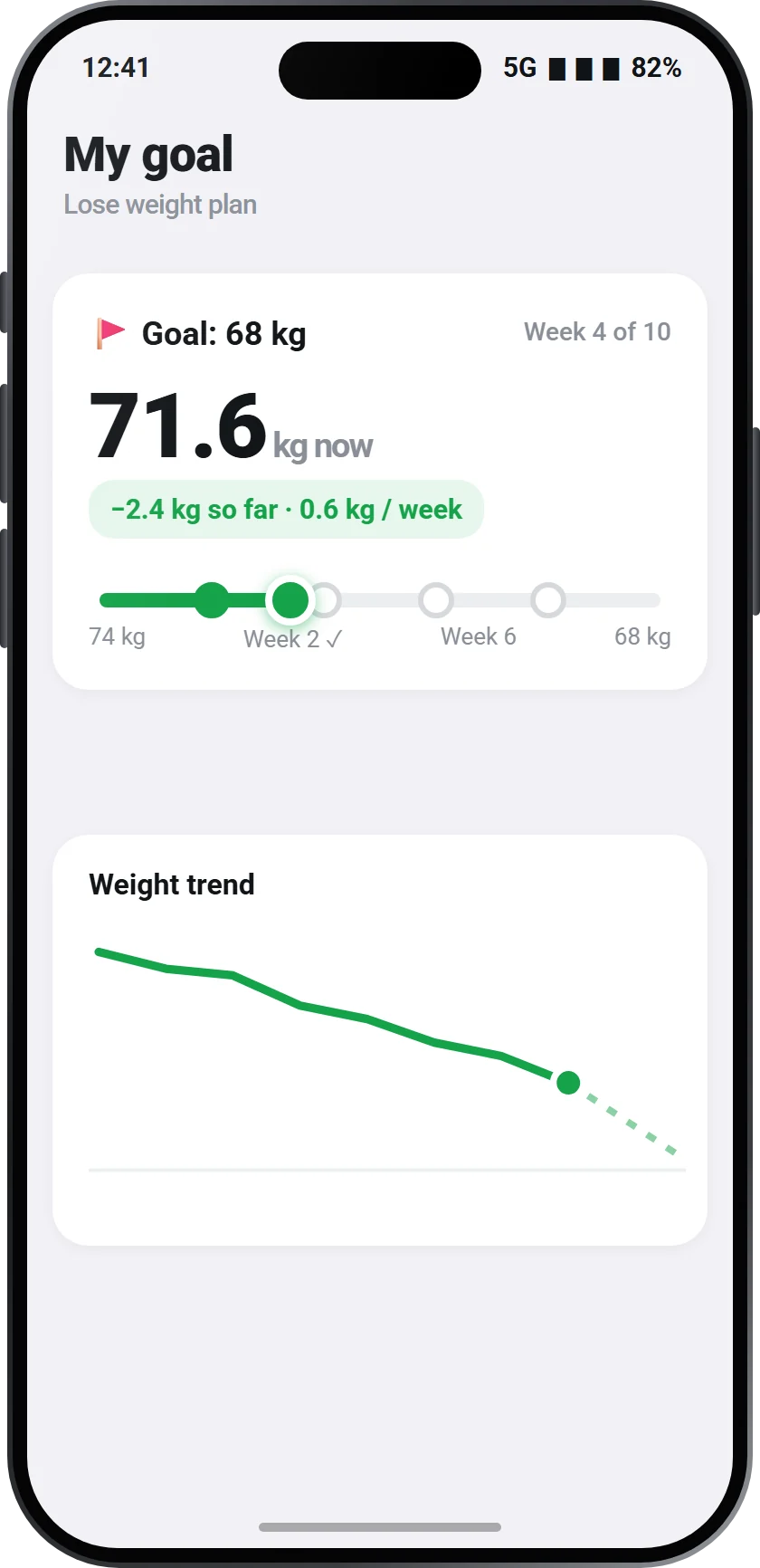
1Create your profile
Tell CalorAI your age, height, weight and goal. It calculates your daily calories and macros for you.
 2
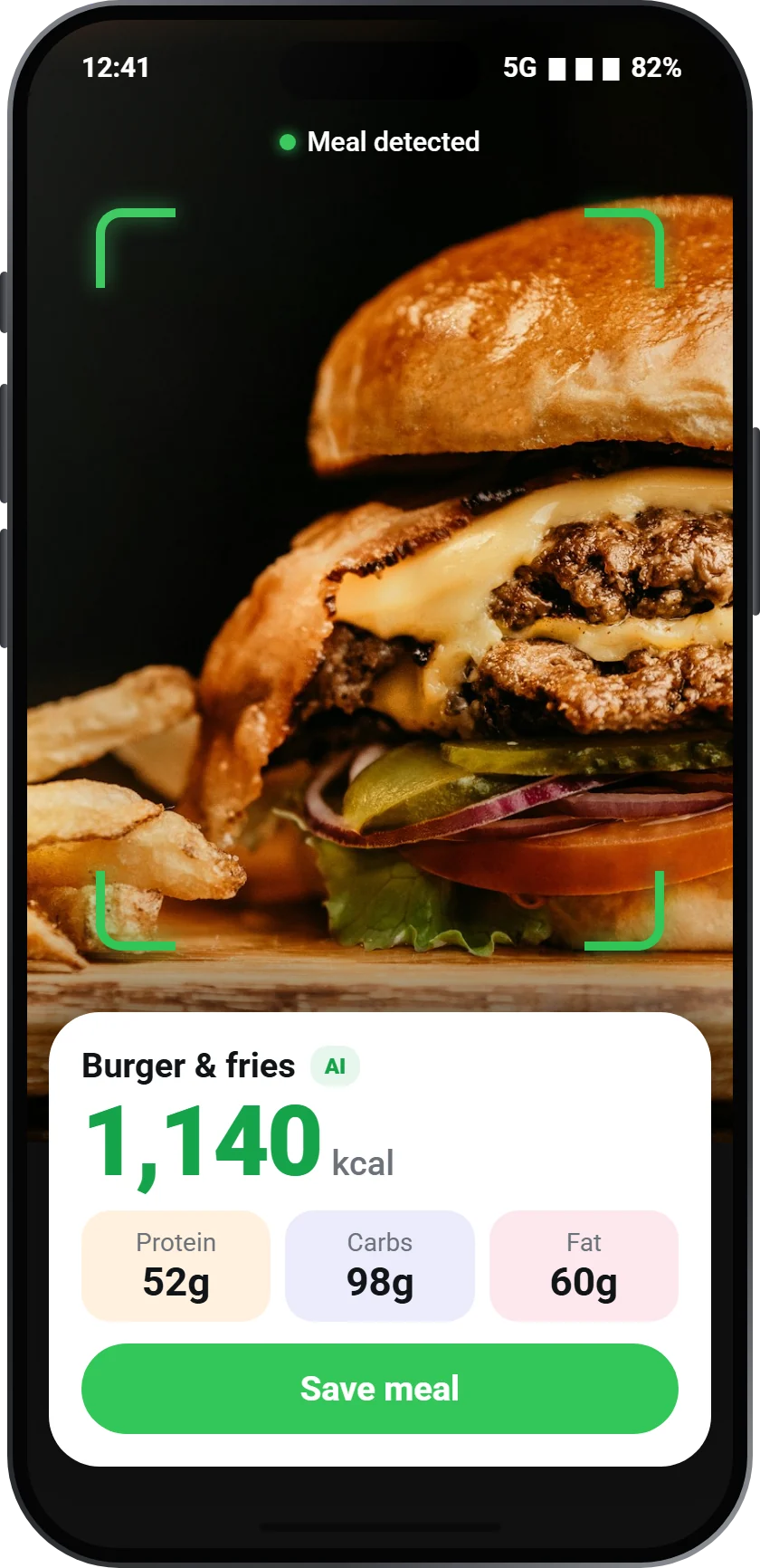
2Snap your meal
Open the camera and take a photo of your plate. No barcodes, no typing.
 3
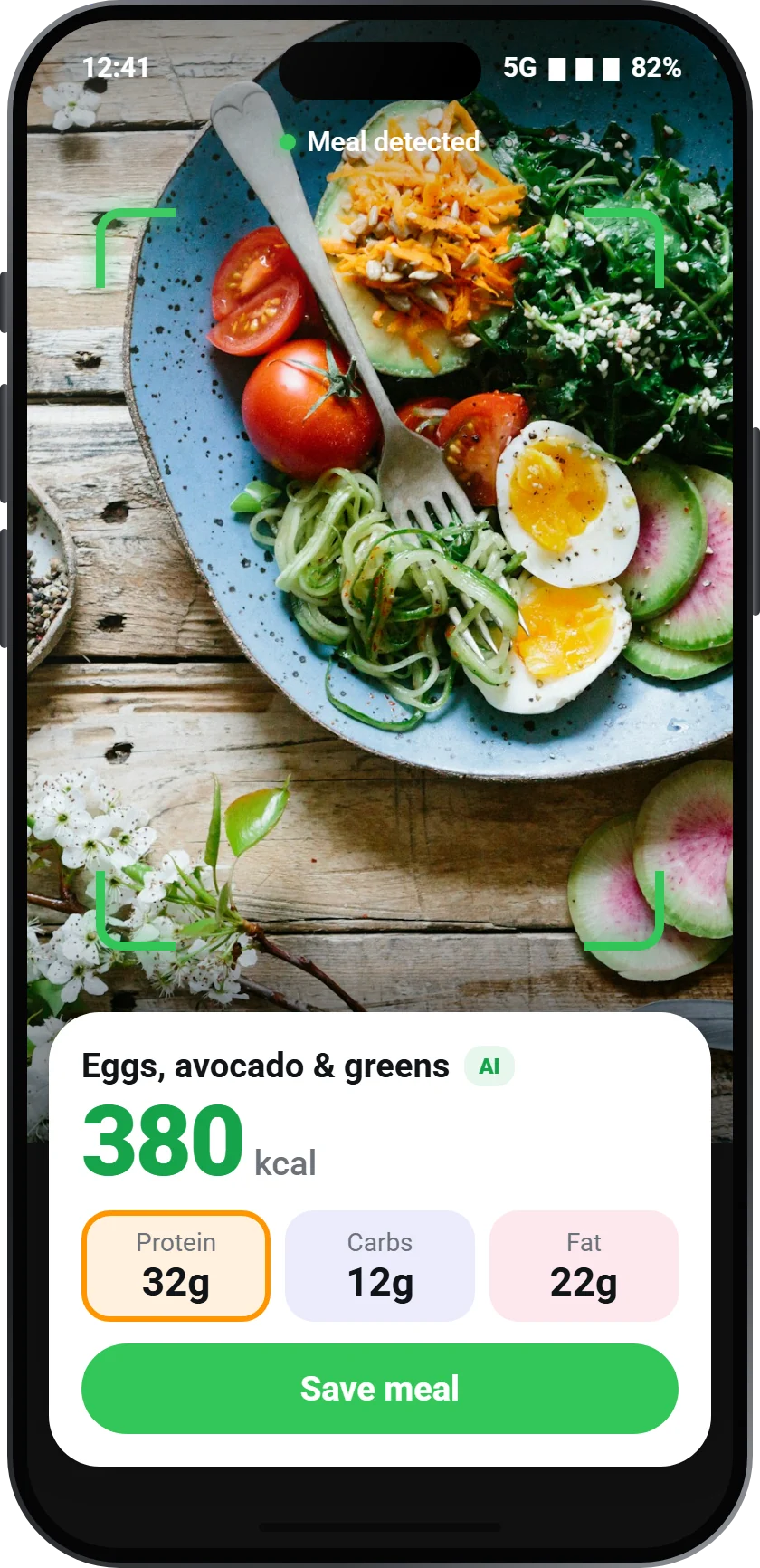
3Check and save
CalorAI shows what it found and the calories, protein, carbs and fat. Adjust if you like, then save it to your diary.
 4
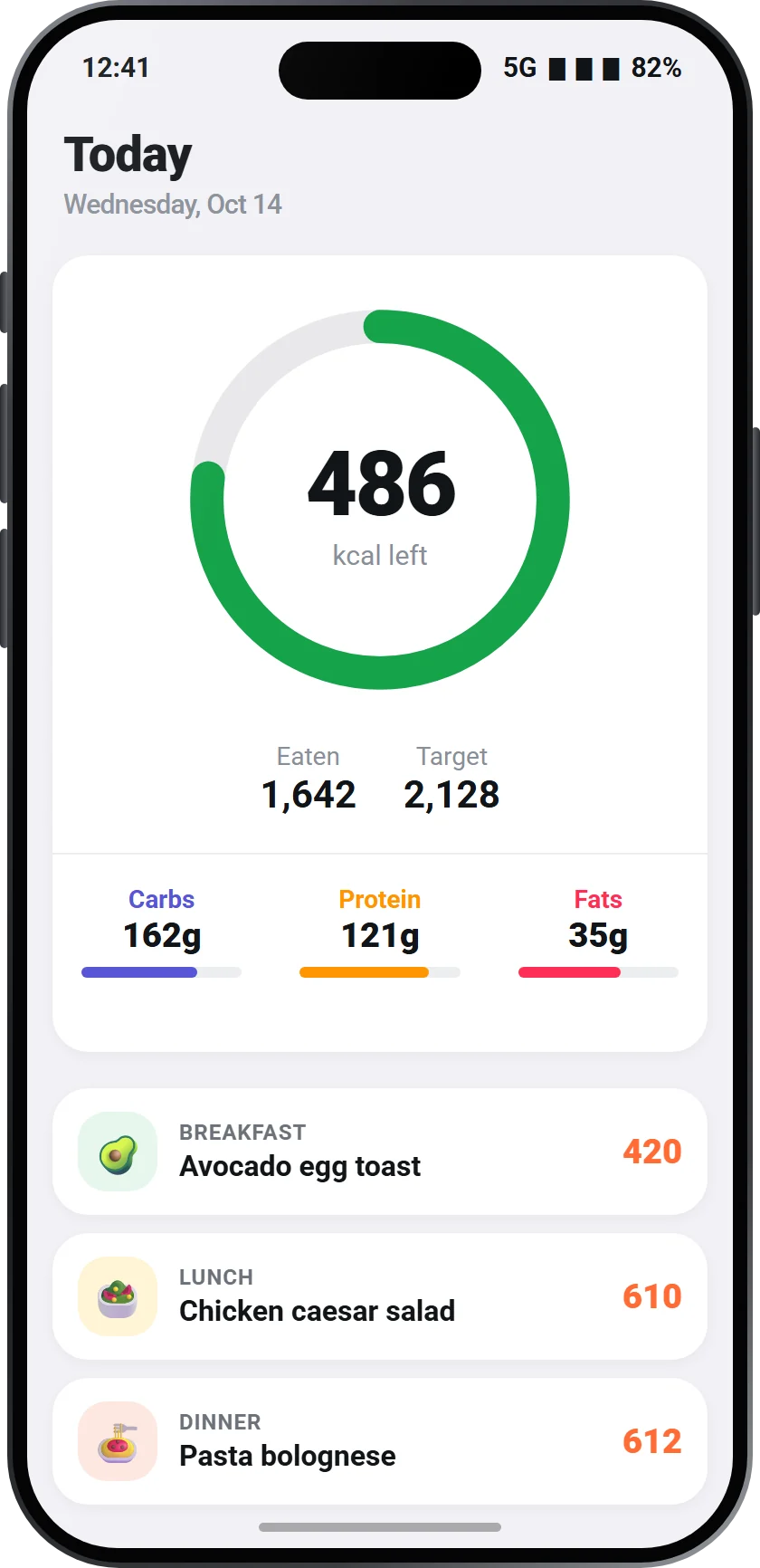
4Follow your day
Your rings update after every meal. Log workouts and the burned calories are added to your target.
 5
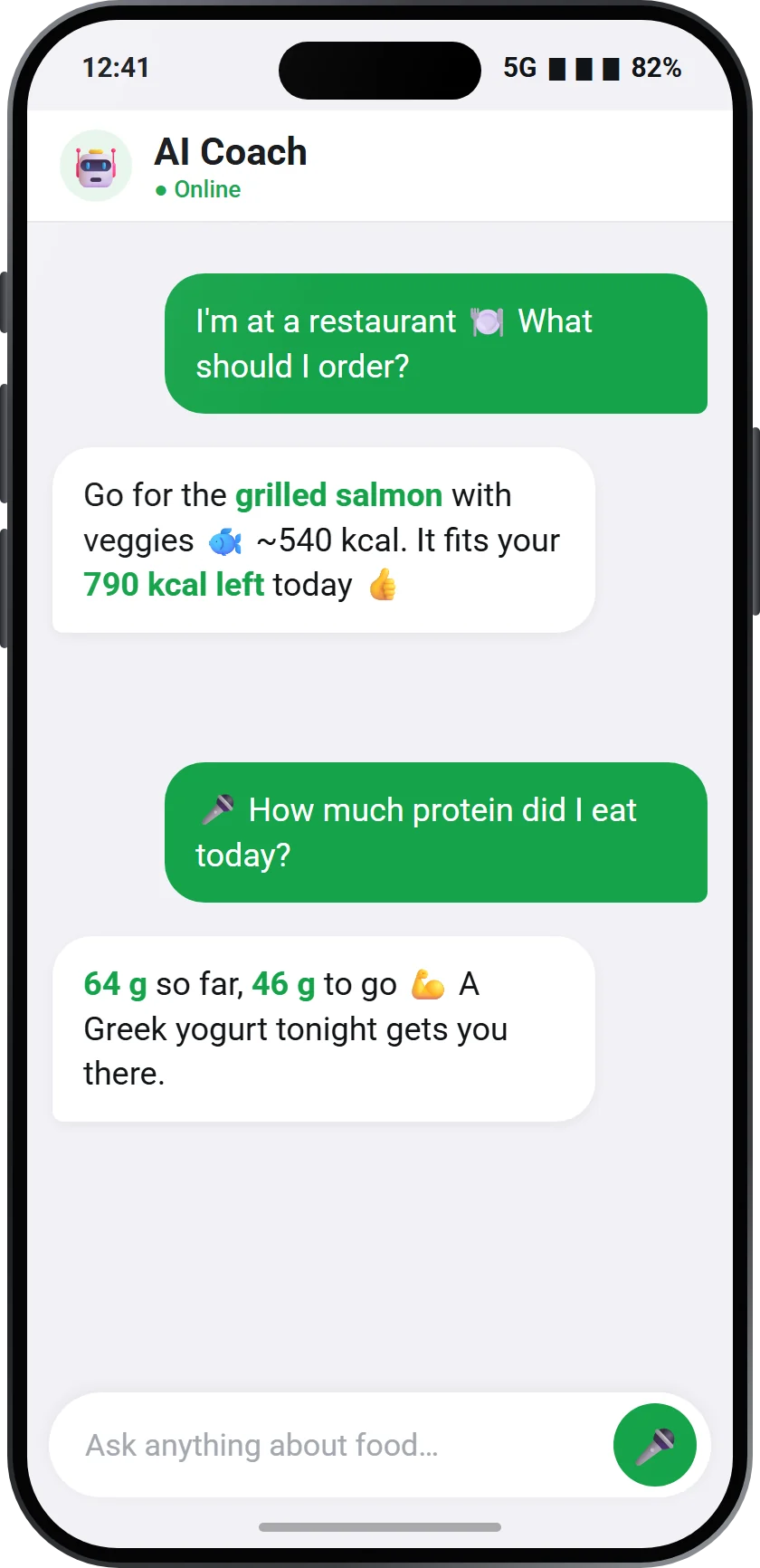
5Get help when you need it
Ask your AI coach what to eat, get a meal plan for the week and see your progress in the calendar.
Tips for the best results
- Take the photo from above, with the whole plate in view.
- Good light helps the AI see your food.
- Log meals as you eat. It takes seconds and you won't forget.
- Check the portion before saving if your plate is unusual.

Start counting with one photo
Free on Google Play and the App Store.